

How To Create Apple Id On Android Phone
Apple ID is similar to Google ID, which you can use to log in and access all Apple services. You can use iTunes, App Store, and other services only if you have an Apple ID. But it is not true that you can create Apple ID only if you have an Apple device. Apple also offers some apps for android smartphones like Apple Music. But you also need an Apple ID to log in to the app. So in this article, we will teach you to create Apple ID on Android devices.
Apple ID can be used for various services such as App Store, Apple Books, Apple Arcade, Apple Music, Apple News, Apple Store app, Apple Podcasts, Apple TV, FaceTime, Family Sharing, Game center, iCloud, iMessage, iTunes, etc. Apart from using it to access services, you can use it to make in-app payments as well as retail and offline payments using Apple Pay.
How to Create Apple ID on Android
You can create Apple ID without iPhone in two different ways. There are two methods available to create Apple ID on Android devices.
- Using a browser
- Using the Apple Music app
How to Create Apple ID on Android Using Browser
1. Open a browser on Android smartphone. We recommend you to use Google Chrome.
2. Go to appleid.apple.com and click Create your Apple ID.
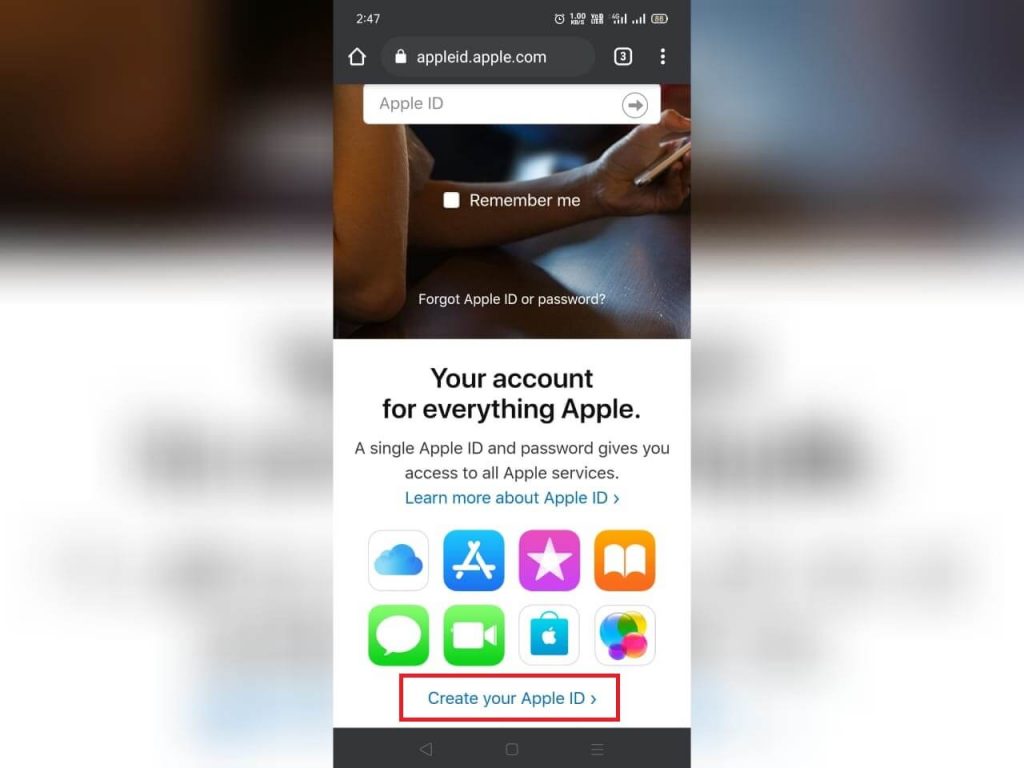
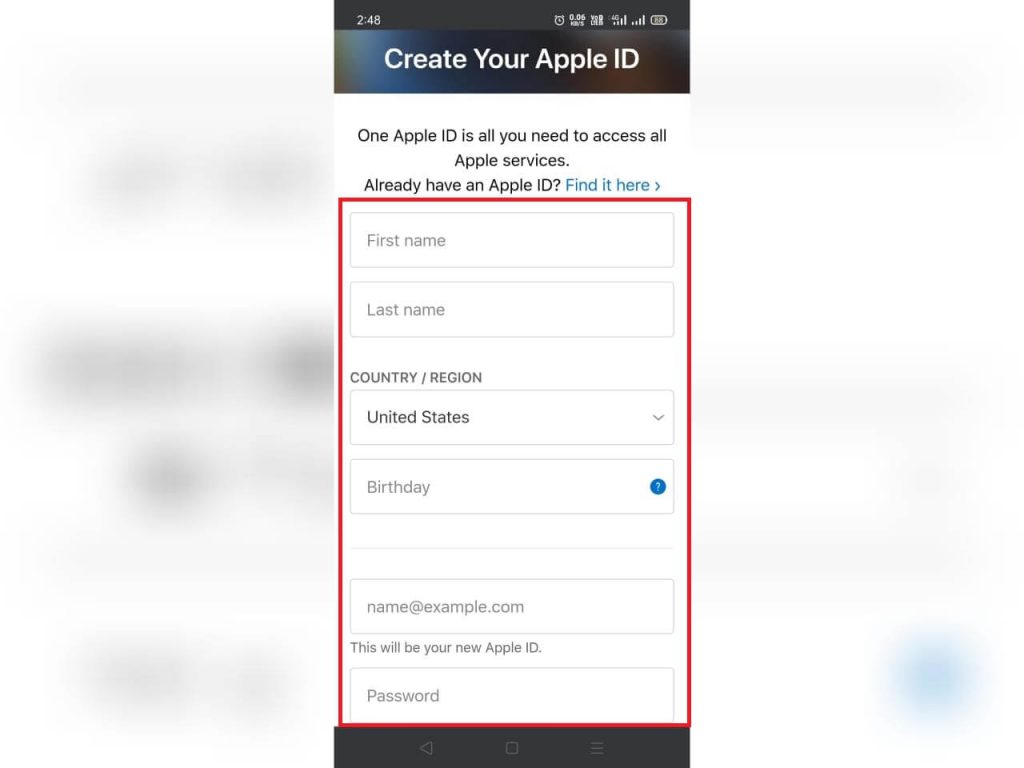
3. Enter the required details: such as First name, Last name, Country, Email Id, etc.
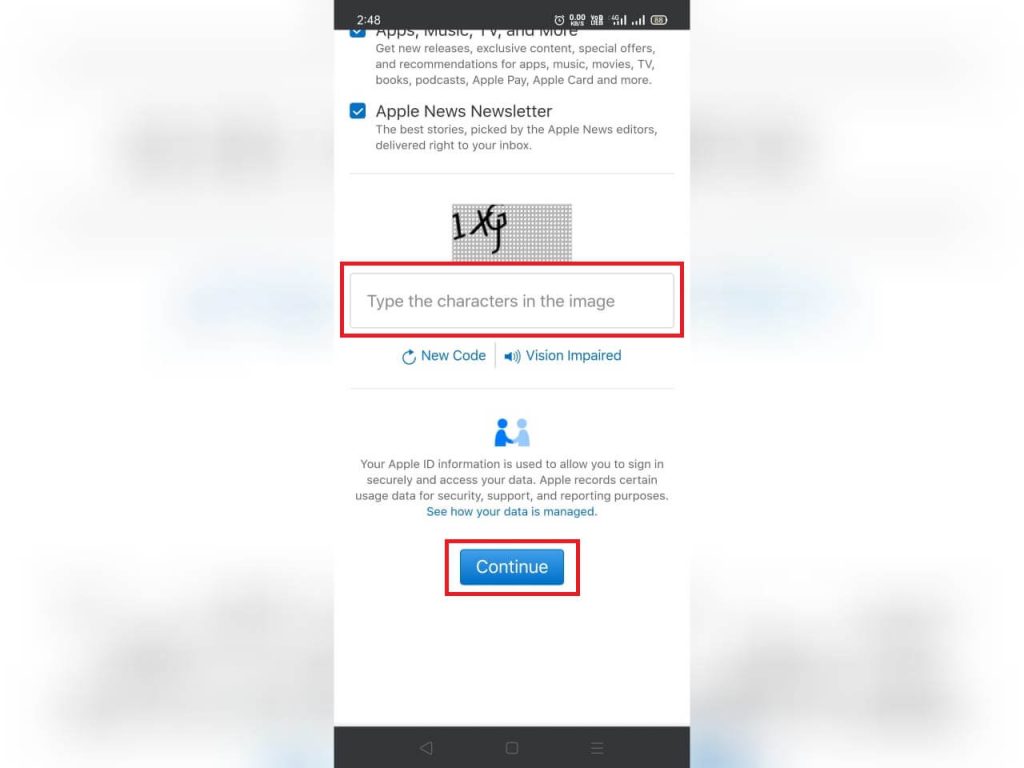
4. At last, type the Captcha and click the Continue button.
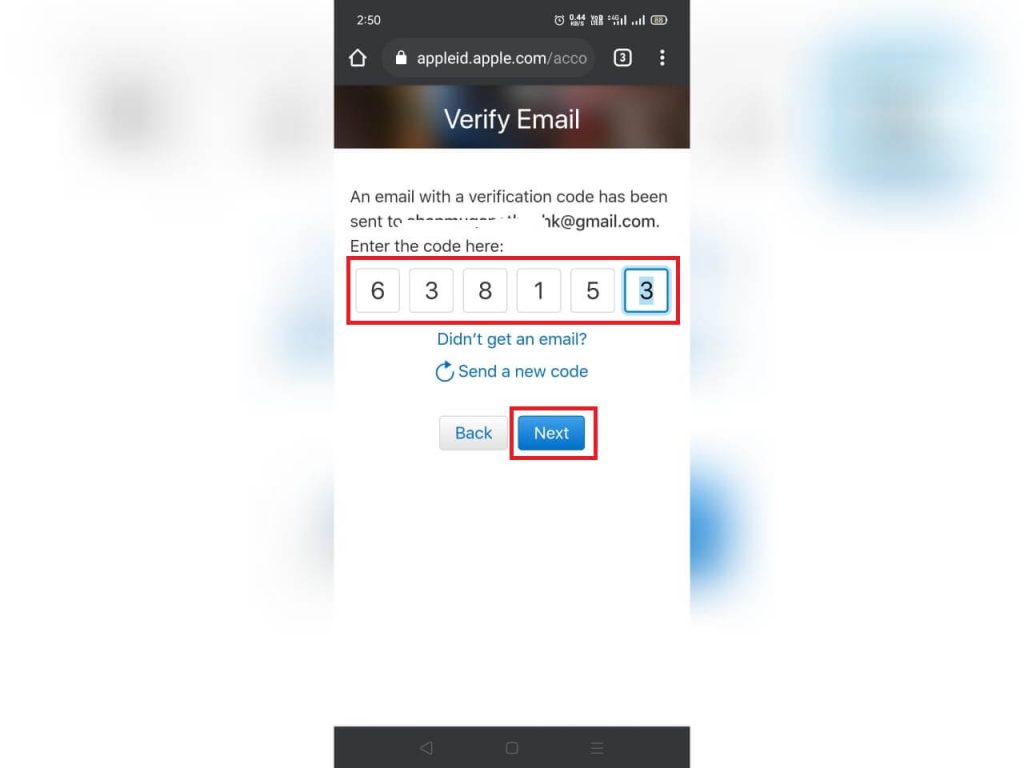
5. Now, enter the one Time Password you received in your email and click Next.
6. Now, enter the OTP that you received on the phone number and click Next.
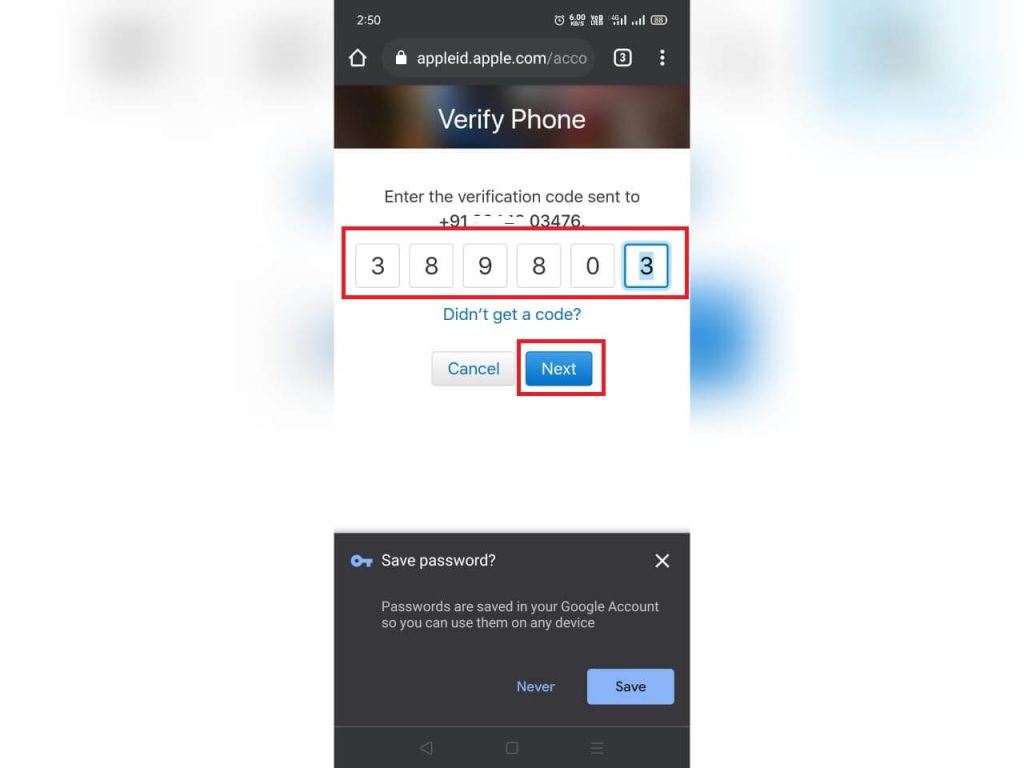
7. Now, you have successfully created a new Apple ID with your android smartphone.
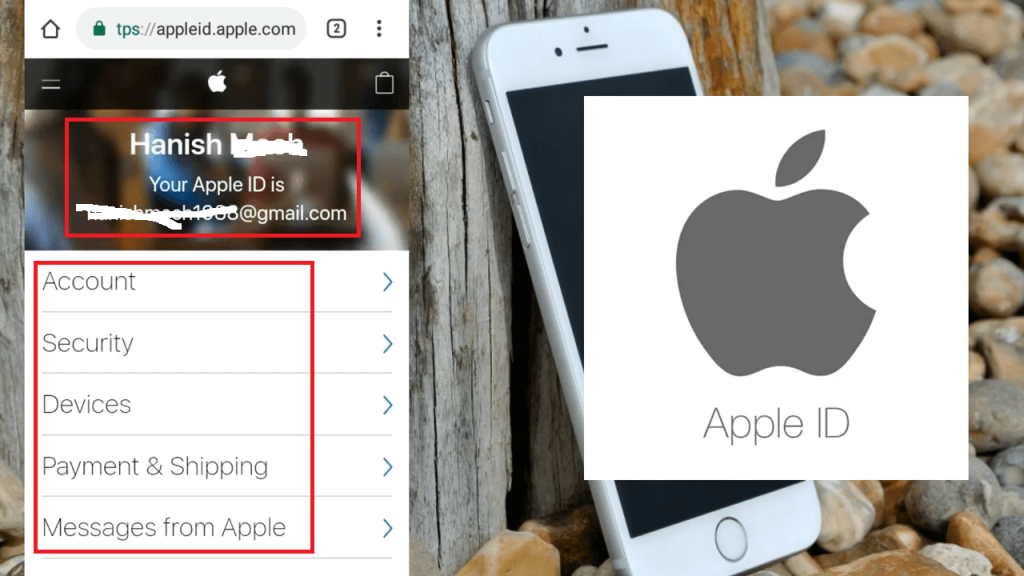
8. You can use this ID to login and use any of the Apple services either in MAC, iPhone, iPad, iTunes, etc.
Using Apple Music App
1. Go to Google Play store and install the Apple Music app on Android devices.
2. After installation, click Open to launch the app.

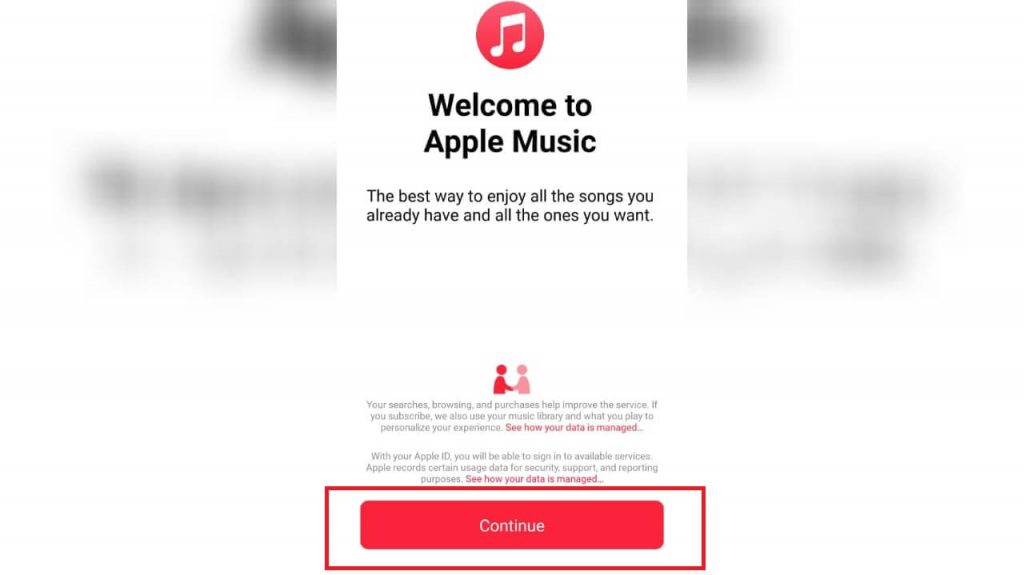
3. Click the Continue button.
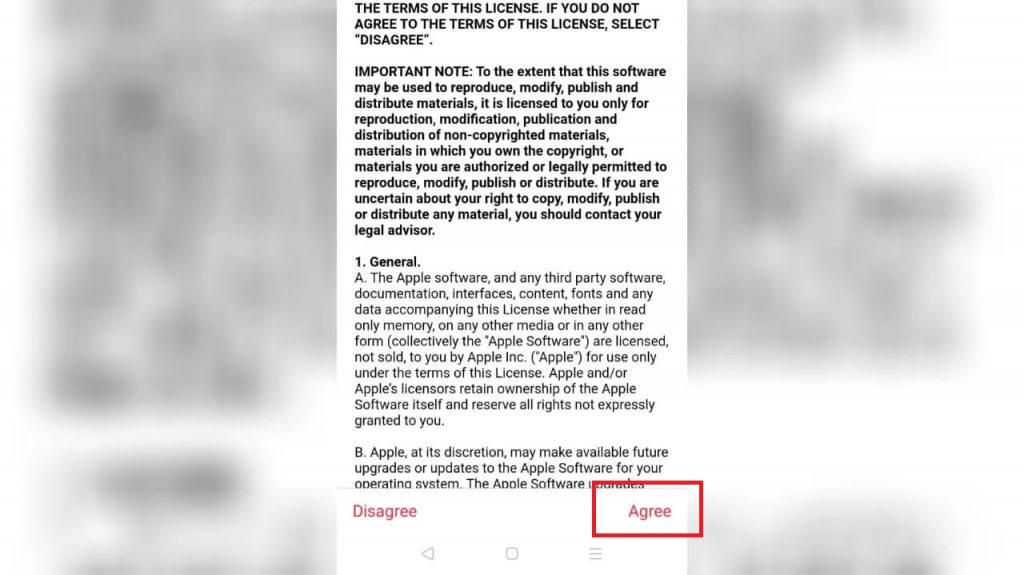
4. Read the Terms & Conditions, and then click Agree.
5. Now, tap Try It Free button.
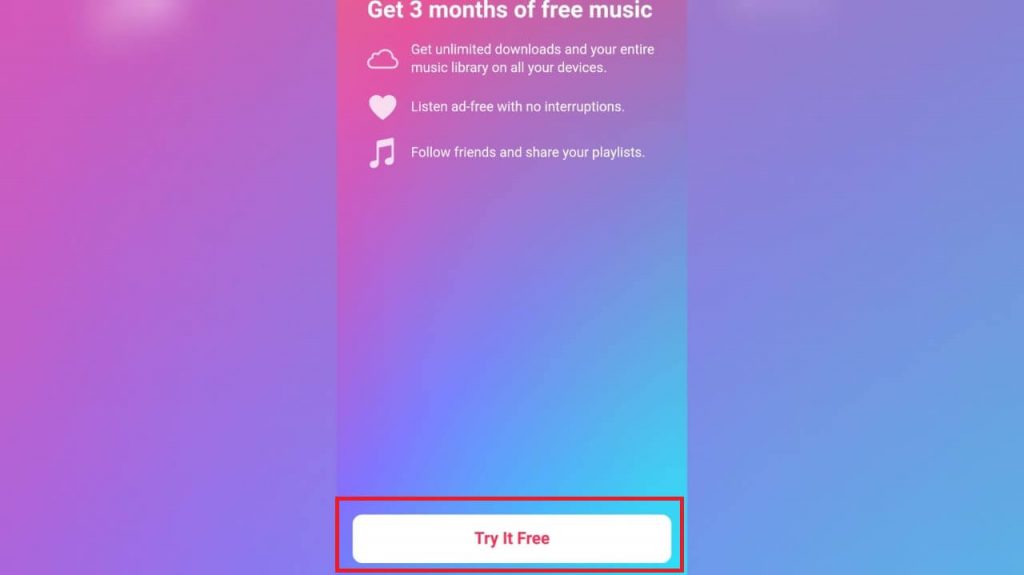
6. Click the Start Trial button.
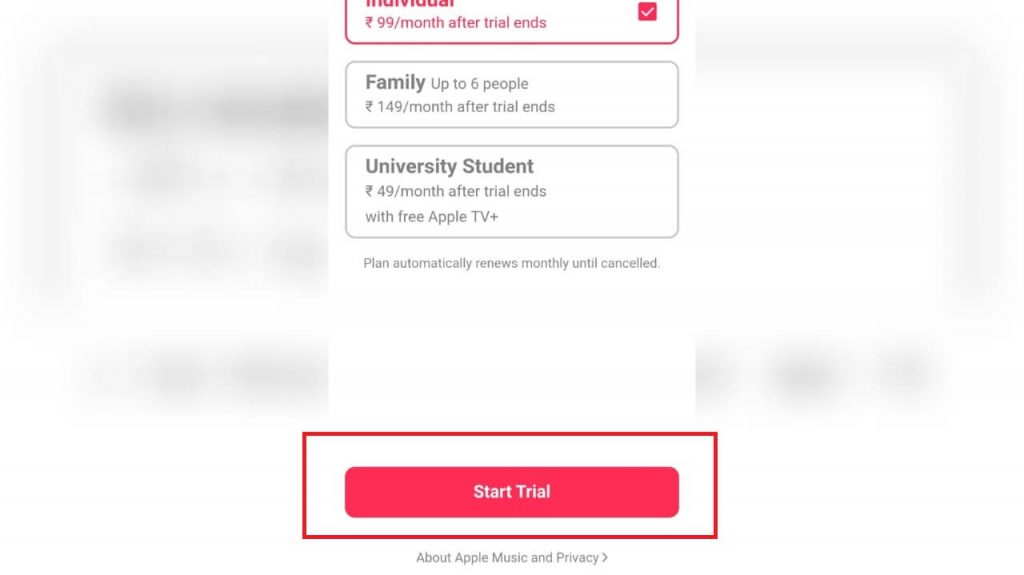
7. In the popup, select Create New Apple ID.
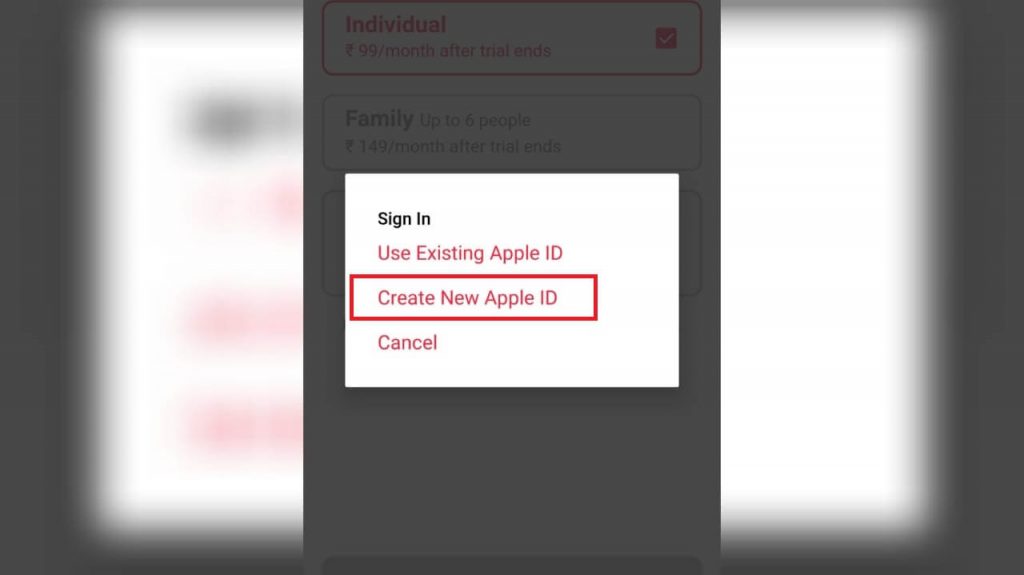
8. Enter your email address, password, etc. and click Next button.

9. Here enter your security question and all other details. Finally, click Next.
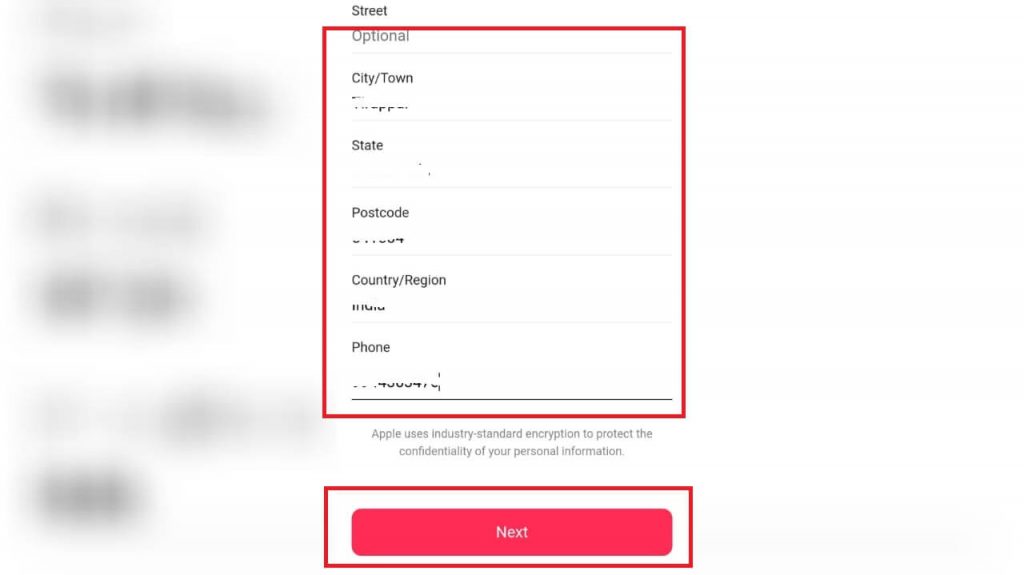
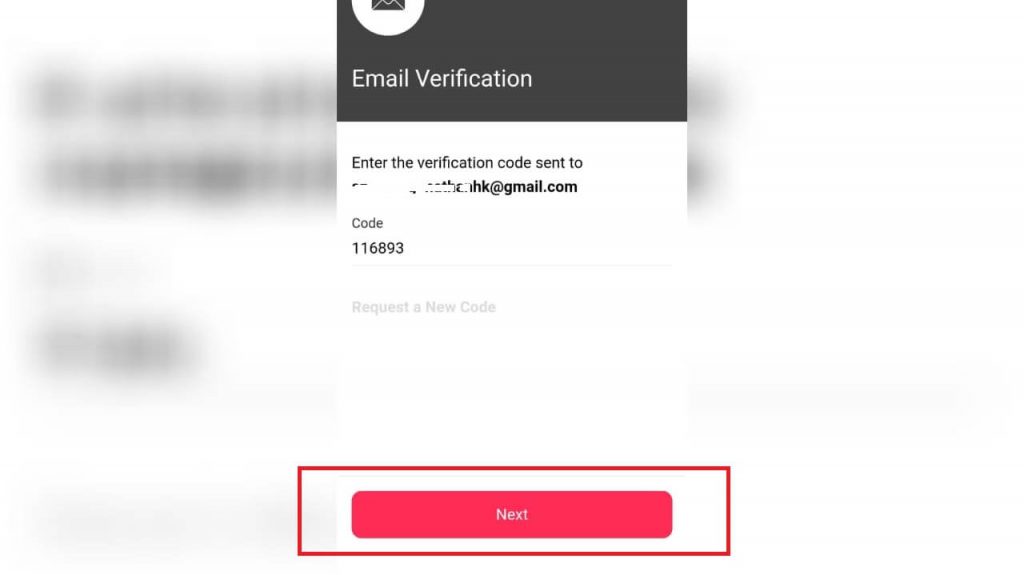
10. Enter the OTP code you received through email and click Next.
11. Now, your Apple Music app will load with 3 months of free music.
12. Click on your profile and note down your Apple ID. You can use this ID in any of your Apple devices.
With the above tutorial, you can create Apple ID successfully without iPhone or iOS devices. The process is as simple as creating a Gmail account on Android devices. If you have faced any queries, mention them in the comments section.
Follow Techowns' Facebook and Twitter pages to stay updated with our articles.
How To Create Apple Id On Android Phone
Source: https://www.techowns.com/how-to-create-apple-id-on-android/
Posted by: saltzimen1990.blogspot.com
0 Response to "How To Create Apple Id On Android Phone"
Post a Comment